ShopDreamUp AI ArtDreamUp
Deviation Actions


Description
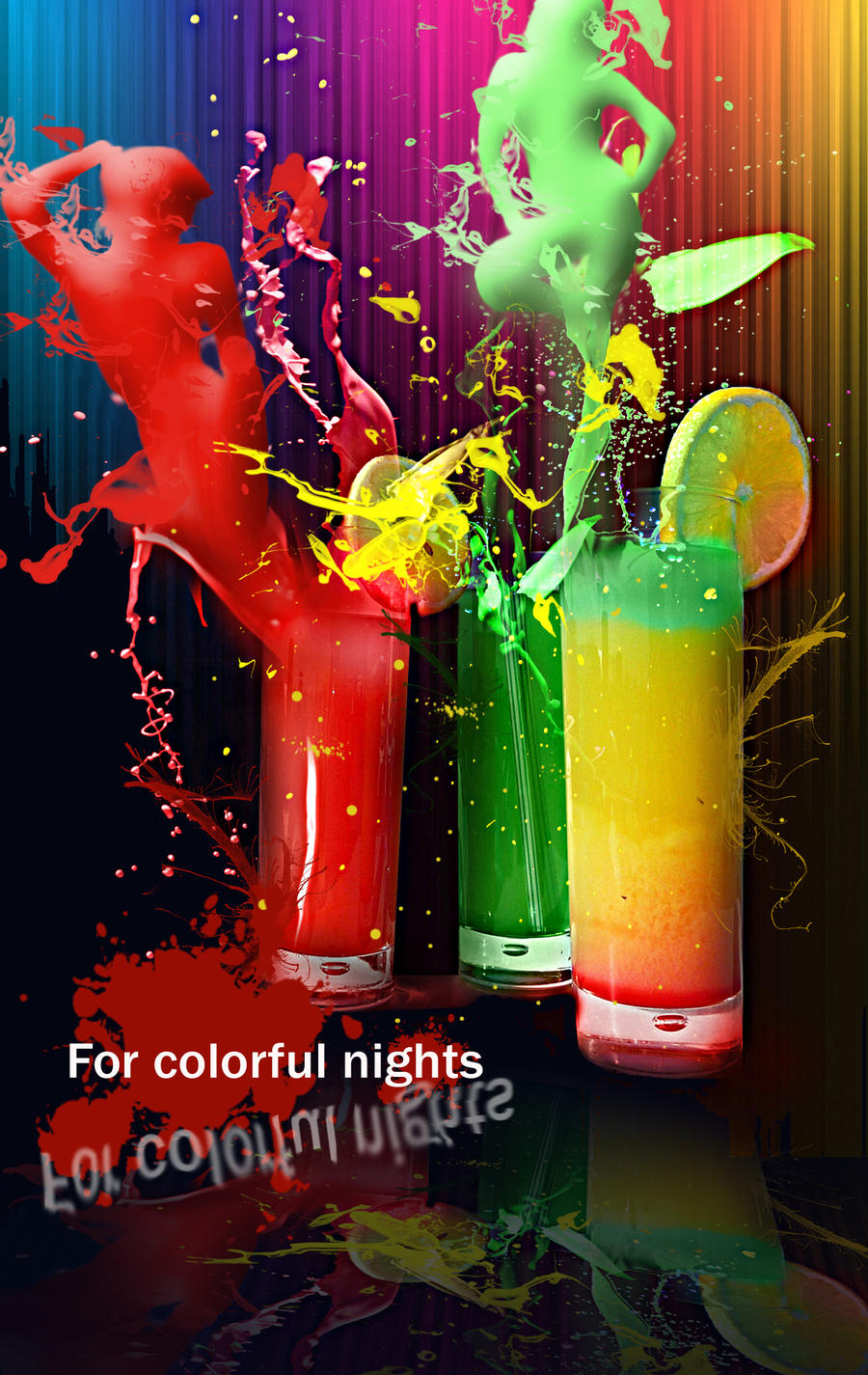
Used the threshold option for turning the images into opaque silhouettes. Than, in order to offer them a glossy effect I've used the bevel and embross option. The paint splashes made by [link] are gorgeous and have been very helpful. The colorful lines in the background have been created using the gradient tool, modified after that with the waves distortion filter. the rest is simple 
I have been inspired by this tutorial.
[link]
Check it! Is great!
credits and thanks:
[link]
[link]
[link]
I have been inspired by this tutorial.
[link]
Check it! Is great!
credits and thanks:
[link]
[link]
[link]
Image size
1200x1900px 1.67 MB
© 2009 - 2024 Siderismaris
Comments2
Join the community to add your comment. Already a deviant? Log In